Posts

What are the Best Email Apps for iPhone 2022?
Image
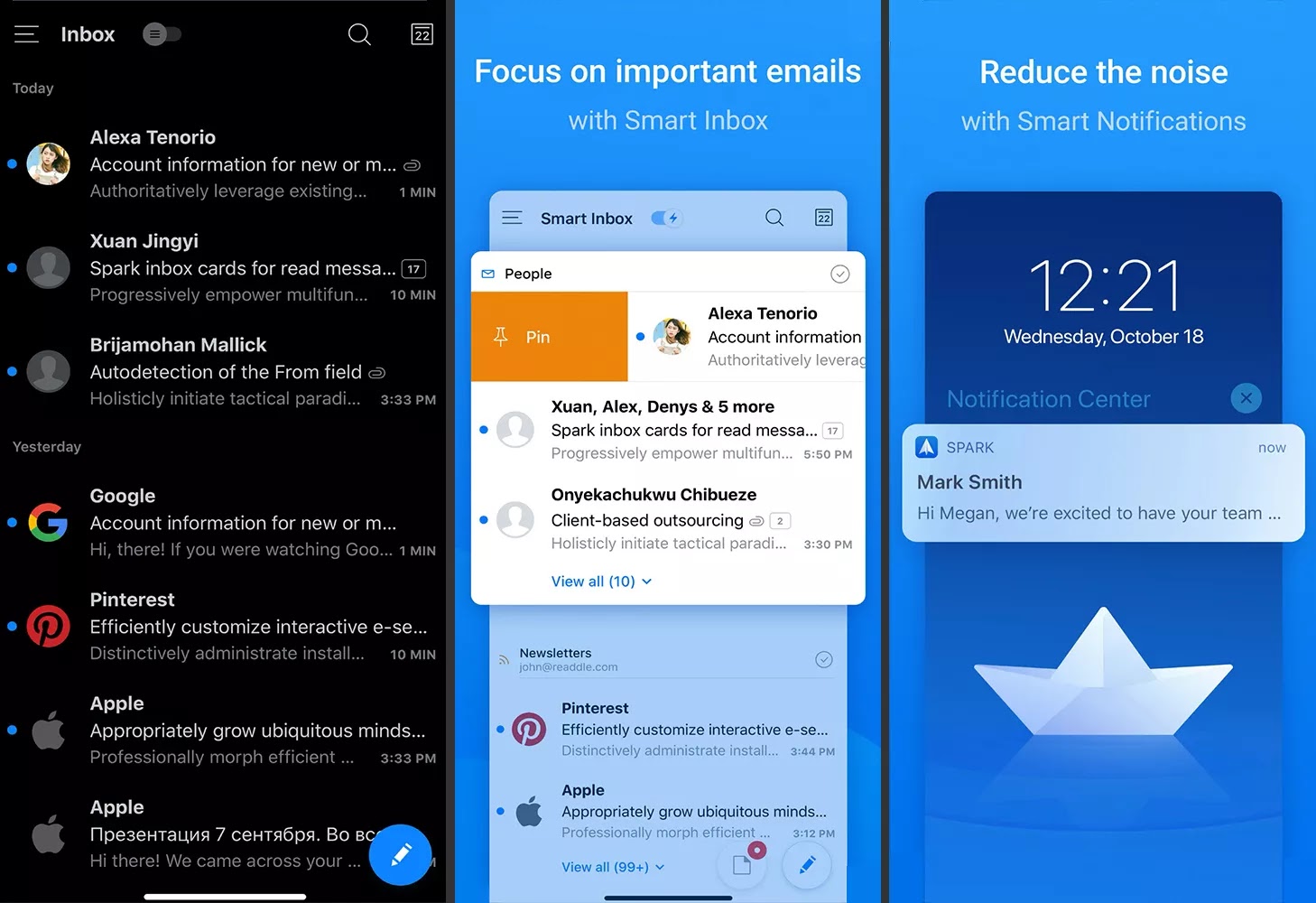
If you are emailing from your iPhone, you will want a dedicated iPhone email app for the job. There were no third-party mail apps available initially, but email on the iPhone has come a long way since then. The App Store is full of alternative email apps, so the challenge now is to find the best email app for your iPhone needs. Here are the best email apps you will see –  1. Spark Mail If you first open Spark, you'll see an inbox automatically grouped by category. You get one-touch replies, swipe actions & quick search results that you can save as smart folders. Spark Mail supports all popular accounts like Google, iCloud, Exchange, Yahoo, Outlook, and IMAP. You can view your schedule using the calendar and set events from email. Push notifications and customizable actions for each email account are worth considering.  It supports IMAP and is available as a free download, while Spark Premium packages are available for enterprise environments. These features, along with ema...

What Are the 7 Best Email Apps for Android of 2022?

Image
Are you looking for the best email app for your phone and don't know which one is the best among these top 7 email apps for Android? So don't worry, you can choose the one that suits your specific needs with our detailed evaluation. Remember one thing that these apps are not in particular order but there is a list in every mail app, what we like & don’t like about the app. 1. Blue Mail: Best Designed & Easiest to Set Up It has a great user interface that gives you a lot of visual customization options and allows you to sync many mailboxes from different email service providers like Yahoo, Google, Office 365, BizMail, Exchange Online and others. It is also compatible with POP3, IMAP and Exchange. Offers automatic configuration. It's very easy to set up an account with Blue Mail. It also offers multiple email accounts. Additional features of this app: Theme customization that automatically switches from day mode to night mode.  With its easily configurable rich text s...

What are the Best Free Windows Email Programs for 2022?

Image
You need an email for check and send messages direct from your desktop. Here you will see best free email programs for Windows. Every email program in this list has a different features. Some email clients show mail differently or have extra options for security or notifications, however there is one thing common in them: They all can access mails from nearly each email provider. 1. eM Client It is a free Windows email client, it has a clean and up-to-date interface, works smoothly and is good for those who want a simple email client with advanced features. eM Client is designed to handle large inboxes with ease, and the super-fast search feature makes that clear. While many other email client software apps make you wait a long time before displaying search results, eM Client is almost instant. It can send replies automatically, when you exit eM Client, it empty the trash folder every time. It can auto-backup your emails to any custom folder. eM Client delete duplicate emails easily....

What are the 5 Best Free Email Clients for Mac in 2022 ?

Image
Here in this article you will see 5 best free email clients for macOS. 1. Apple Mail Apple Mail is a standard email client for Mac and it is a very easy email client to use. It is a basic email client with support for a variety of services including iCloud Mail, Yahoo! Email, Gmail, AOL, and Exchange Mail. For end-to-end encryption, it also gives you the option to connect your own POP3 and IMAP accounts with S/MIME support. It can manage all your email accounts in one place and offers useful features like VIP email notifications, smart folders, and attachment flags. Although it lacks some tools like the snooze feature, the Mail app offers solid updates with every macOS update. 2. Spark It is a desktop email client that offers Gmail, Outlook-like features, Yahoo! Email, iCloud, Exchange and IMAP accounts. It's an awesome email client that automatically organizes your inboxes and lets you easily move emails around and send quick replies with a single click. Spark's Smart Inbox pu...

What are 10 Best Free Email Accounts for 2022 ?

Image
An ESP (Email Service Provider) offers services to send & receive emails. In this article you will guide through the best free email accounts with features that make them great. Gmail It is a top best free email account service managed by Google. It has an elegant design and allows you to send and receive emails. If you have a Google account then this is one of the best free email services that you can access. Gmail offers third-party integration programs that give you access to Gmail, which syncs your data via IMAP or POP. Google's free mail service does a good job of blocking spam.  Some other interesting features of Gmail are: for example, the option to hold emails for later, schedule emails to send later, and read emails offline. You can also store messages in a 15GB vault, unsend messages, share Drive account files, & set up vacation replies. And can also send expired emails that require a unique code to open. Gmail offers a powerful search service and security like 2F...

What is Disk Management ?

Image
Disk Management is a system utility in Windows that was first introduced in Windows XP as a replacement for the fdisk command. It allows you to perform advanced storage tasks & It is an extension to Microsoft Management Console that allows complete management of disk based hardware detected by Windows. What is the Use of Disk Management ? It is used to manage the drives installed on a computer, such as optical drives, hard drives (internal and external ) & flash drives . It can be used to partition and format drives, assign drive letters, and more. Users can view and manage the drives installed on their computer through this and the partitions associated with those drives. What is Disk Management Availability? It is available in most versions of Microsoft Windows (Windows 11, Windows 10, Windows 8, Windows 7, Windows Vista, Windows XP, and Windows 2000). How to Open Windows Disk Management ? One of the simple way to access Disk Management is through the Computer Man...

Task Manager - What It is & How to Use It ?

Image
Task Manager shows you what programs are running on your Windows computer and offers limited control over running tasks. It is an operating system component found in all versions of Microsoft Windows starting with Windows NT 4.0 and Windows 2000. Windows Task Manager provides information about your computer's performance and displays detailed information about the programs and processes running on your computer. You can also view network status and quickly understand how the network is performing. How to Open Task Manager ? The easiest way to find something on a Windows computer is to search for it. Task Manager is no exception. In the search icon bar, type "Task Manager". Task manager is displayed as a search result and you can open it from there. How to Open Task Manager from Control Panel You can use the search option in Control Panel to open Task Manager. In the search bar, type "task manager" & you'll see a link to task manager under ...

What is the Control Panel in Windows ?

Image
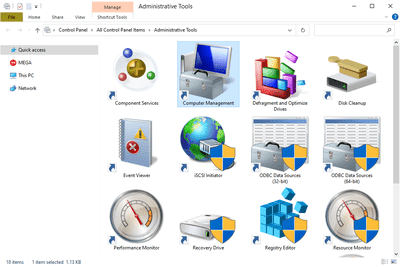
It is a component of Microsoft Windows, through the Control Panel we can see and change the system settings. What is Windows Control Panel ? Through Control Panel the user can change various hardware and software features of the computer.  It is usually part of the system's graphical user interface (GUI) that allows easy management and access to the panel components. We can change the settings of Mouse, display, sound, network, and keyboard in Control Panel. With the help of a control panel, we can install or remove hardware and software in the system. Additional applets are provided by third parties, e.g. VPN tools,  Audio and video drivers,  input devices and network tools. To open the Control Panel we must double click on the icon that is on the desktop, or by double clicking on the Control Panel icon in My Computer we can also open the Control Panel. Sections of the Windows Control Panel There are eight main sections in Control Panel that contain various tools to opti...

What is the Difference Between 32-Bit and 64-Bit?

Image
On computers, the difference between 32-bit and 64-bit is processing power. Computers with 64-bit processors are newer, faster, and more secure, while computers with 32-bit processors are slower and less secure. What are Bits in Computer ? Bit is the smallest unit of computer memory, when four bits are combined it is called a nibble, that is, 1 nibble = 4 bits byte (byte) and a group of 8 bits is called a byte. Both bits (32-bit and 64-bit) refer to the type of operating system , CPU, controller, software program, etc. that uses that particular architecture. A 32-bit computer processor can process 32-bit data at a time, and a 64-bit processor can process twice as much data at a time as a 64-bit data processor. Now one more thing, the processor needs RAM to process this data. You can use up to 4 GB of RAM on a 32-bit computer, while a 64-bit processor needs more RAM to process data. What is the Difference Between 32-Bit & 64-Bit? First it started with the processor. There are differ...

What is System32 in Windows?

Image
Windows operating systems have the system32 folder. The directory contains important files that are vital to the normal operation of Windows so it should never be deleted. The System32 directory is located in either C:\Windows\System32 or C:\Winnt\system32 directory. The system32 folders are copied to the hard drive during the initial installation of Windows, typically to C:\Windows\System32\. This applies to both 32-bit and 64-bit versions of Windows . Mostly important Windows system files reside in system32. The most common types of files in this directory are DLL (dynamic link library) and EXE (executable) files. Error messages often refer to files in this folder, especially DLL errors. It's also the only place you'll find the dasHost.exe file, which is used to connect to wired and wireless peripherals, such as a mouse or keyboard. DLL - DLL files allow Windows programs, both built-in programs and third-party utilities that you install, to perform various tasks. For...